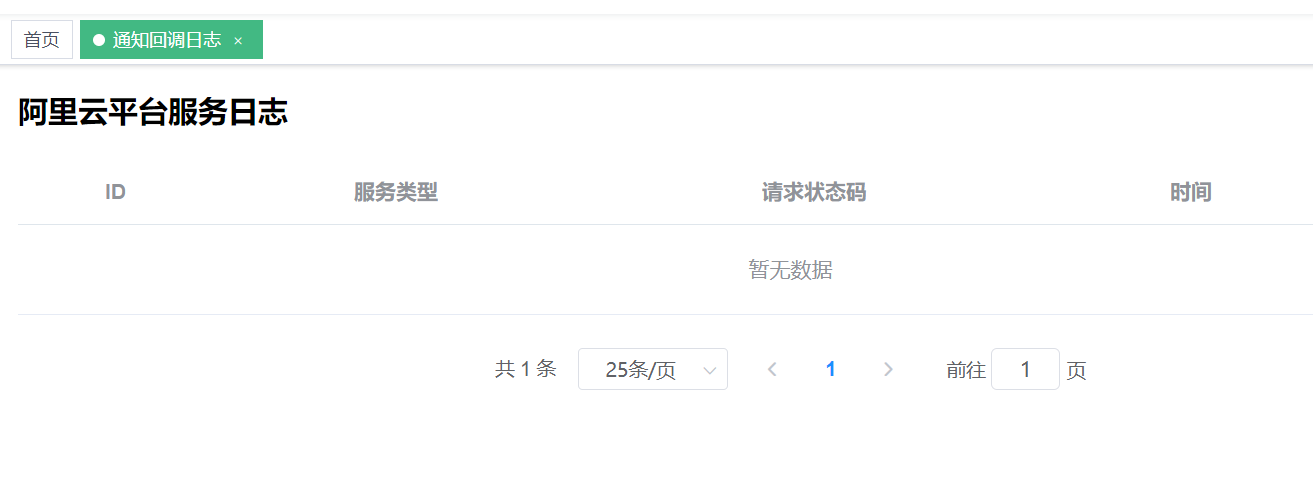
Alibaba Cloud Service
Through Alibaba Cloud service, SMS notifications can be sent simultaneously with or independently of voice and light alerts.
SMS Service
Section titled "SMS Service"Feature Introduction
The SMS sending service is based on the custom API alert function.
Supports two methods:
- Send SMS simultaneously with voice and light alert
- Send SMS silently (without voice and light alert)
Note
To use the custom API alert SMS callback service, you must enable the API custom alert function.
Service Configuration
Section titled "Service Configuration"Open Advanced → SMS and click the settings icon.
| Parameter | Description |
|---|---|
| Endpoint | Alibaba Cloud SMS endpoint, for example dysmsapi.aliyuncs.com |
| AccessKeyId | Alibaba Cloud access key ID |
| AccessKeySecret | Access key secret, masked as ****** |
| Sign name | Approved SMS signature |
| Template code | Approved template code |
Saving enables the service automatically; turning the switch off clears the configuration. Keep ****** unchanged to retain the existing secret.
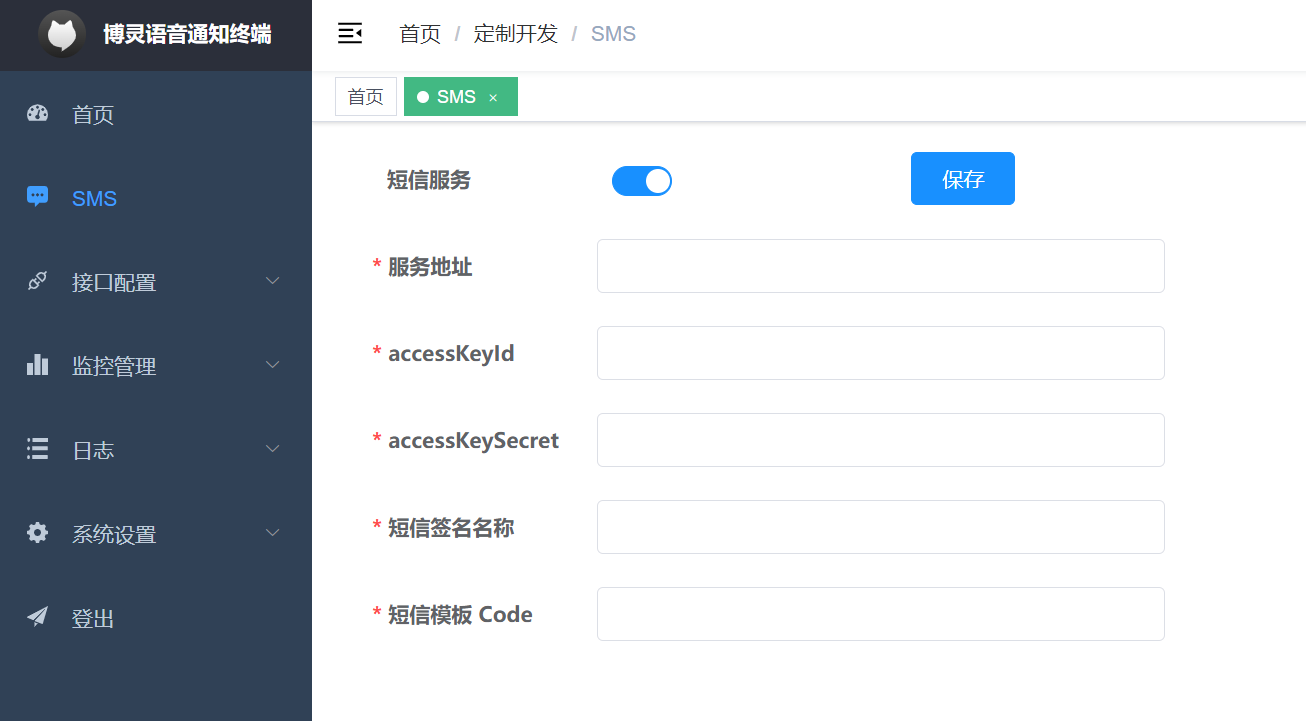
Note: If you need to enable SMS service, you must turn on the SMS service switch in the custom API settings.
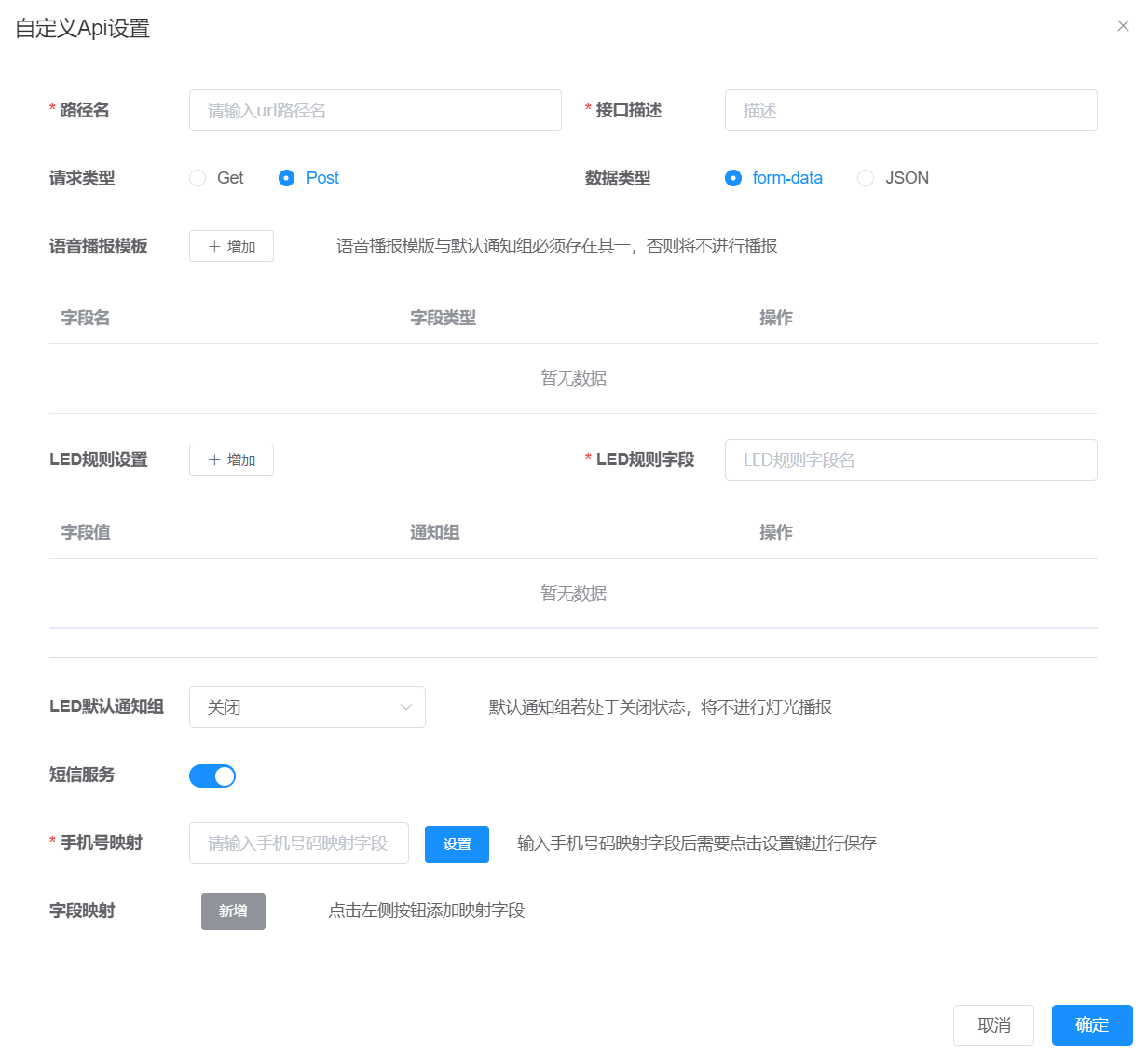
Send SMS Simultaneously with Voice and Light Alert
Section titled "Send SMS Simultaneously with Voice and Light Alert"You need to configure the voice broadcast template fields and select the LED default notification group.
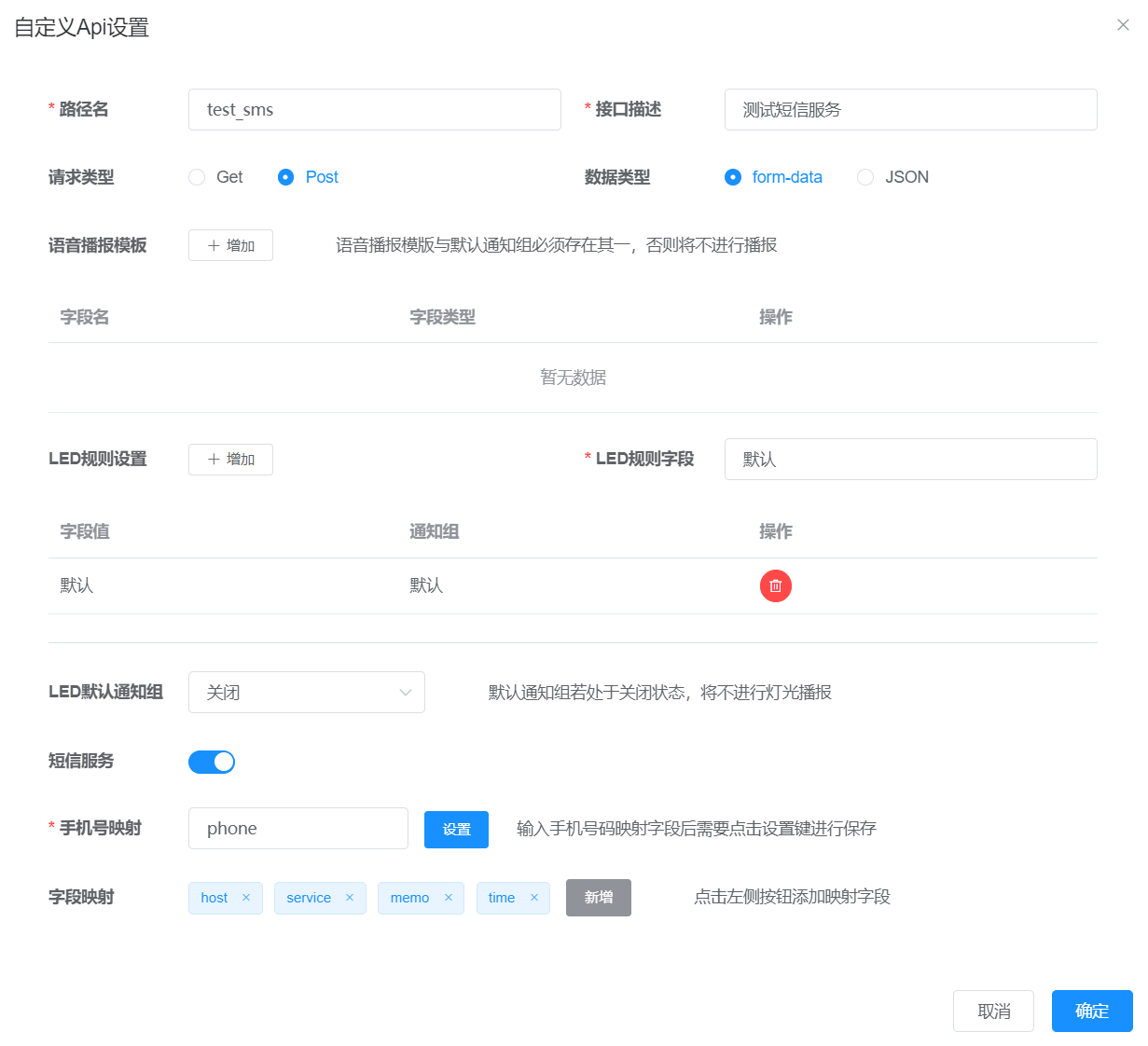
Send SMS Without Voice and Light Alert
Section titled "Send SMS Without Voice and Light Alert"Skip configuring the voice broadcast template fields and set the LED default notification group to off.
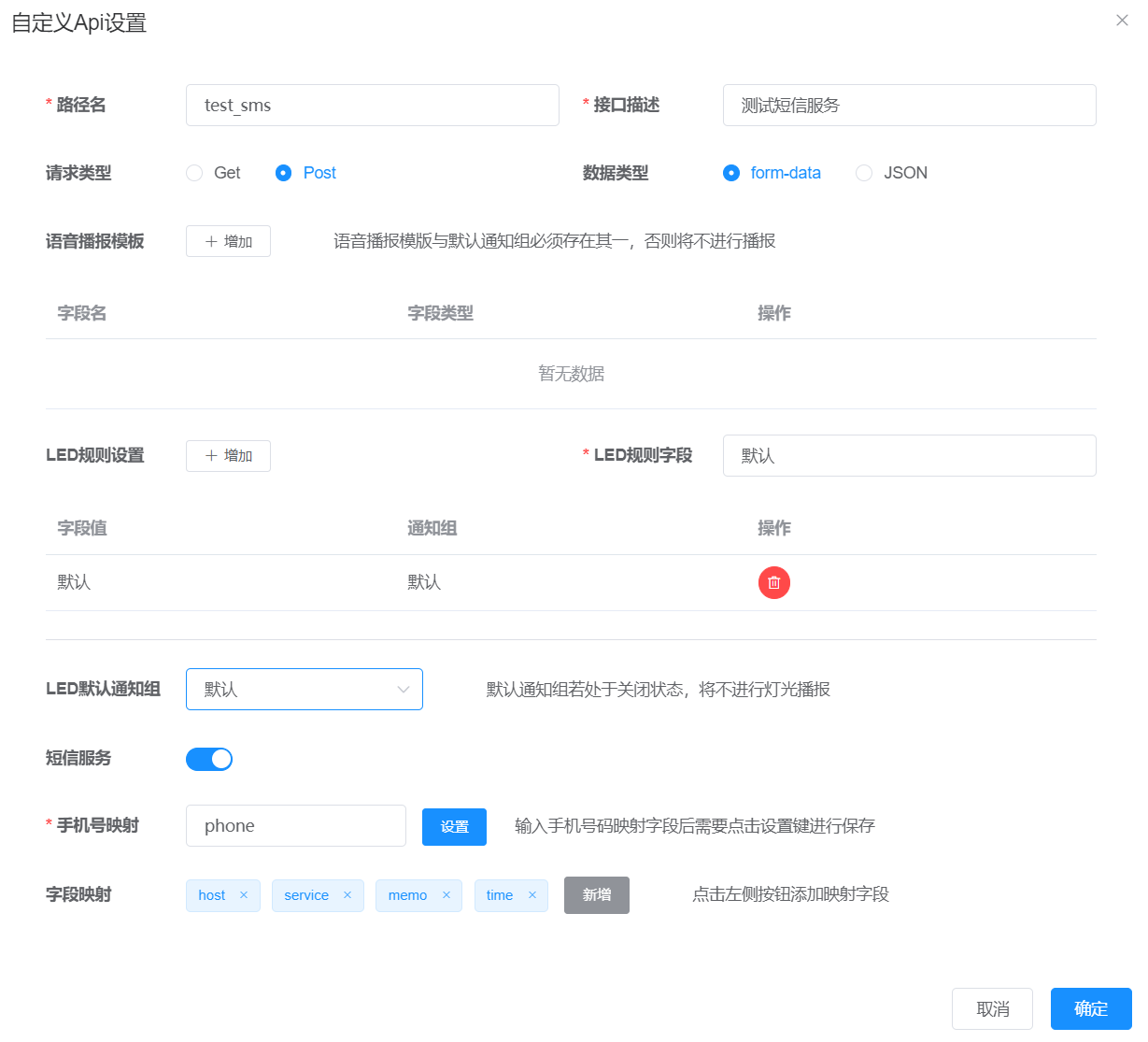
Added Test API Interface List
Section titled "Added Test API Interface List"
Interface Testing
Section titled "Interface Testing"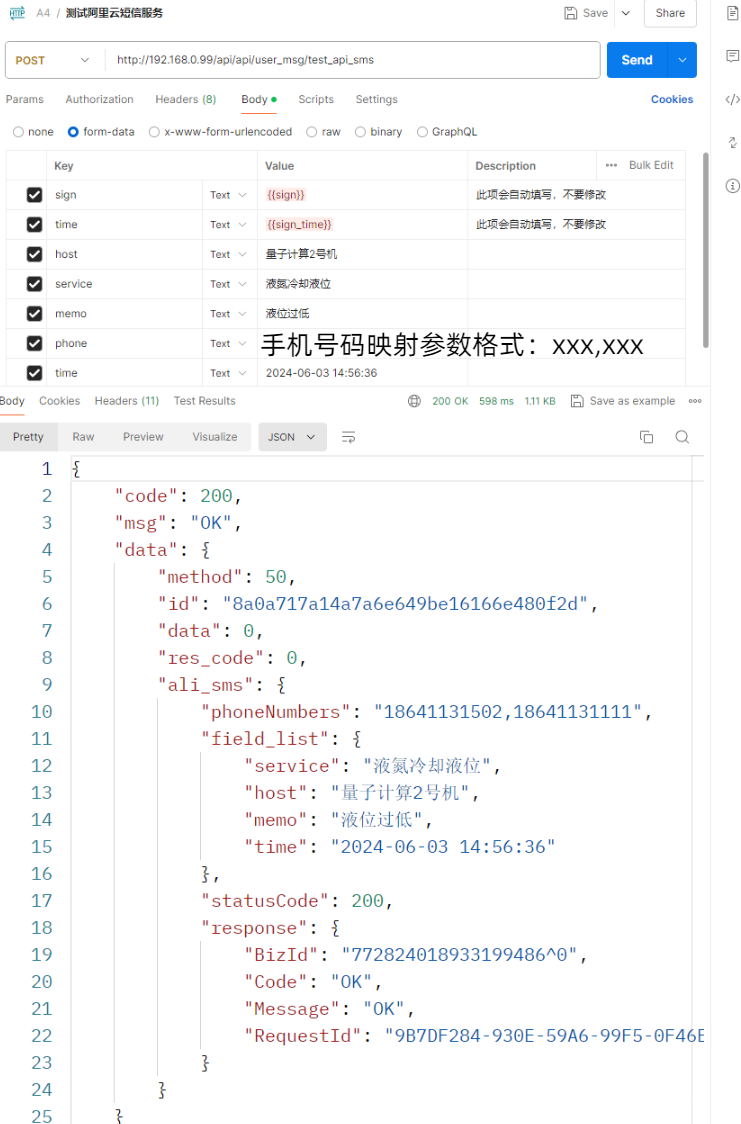
SMS Service Logs
Section titled "SMS Service Logs"SMS service logs will be recorded on this page. You can view the request status code, time, target number, mapped data, and response information.